How to See the Student's Experience
A great way to understand how Adagio works is to explore it from the student's perspective. This is especially helpful when onboarding new students or answering their questions.
To try Adagio as a student:
Create a test student account
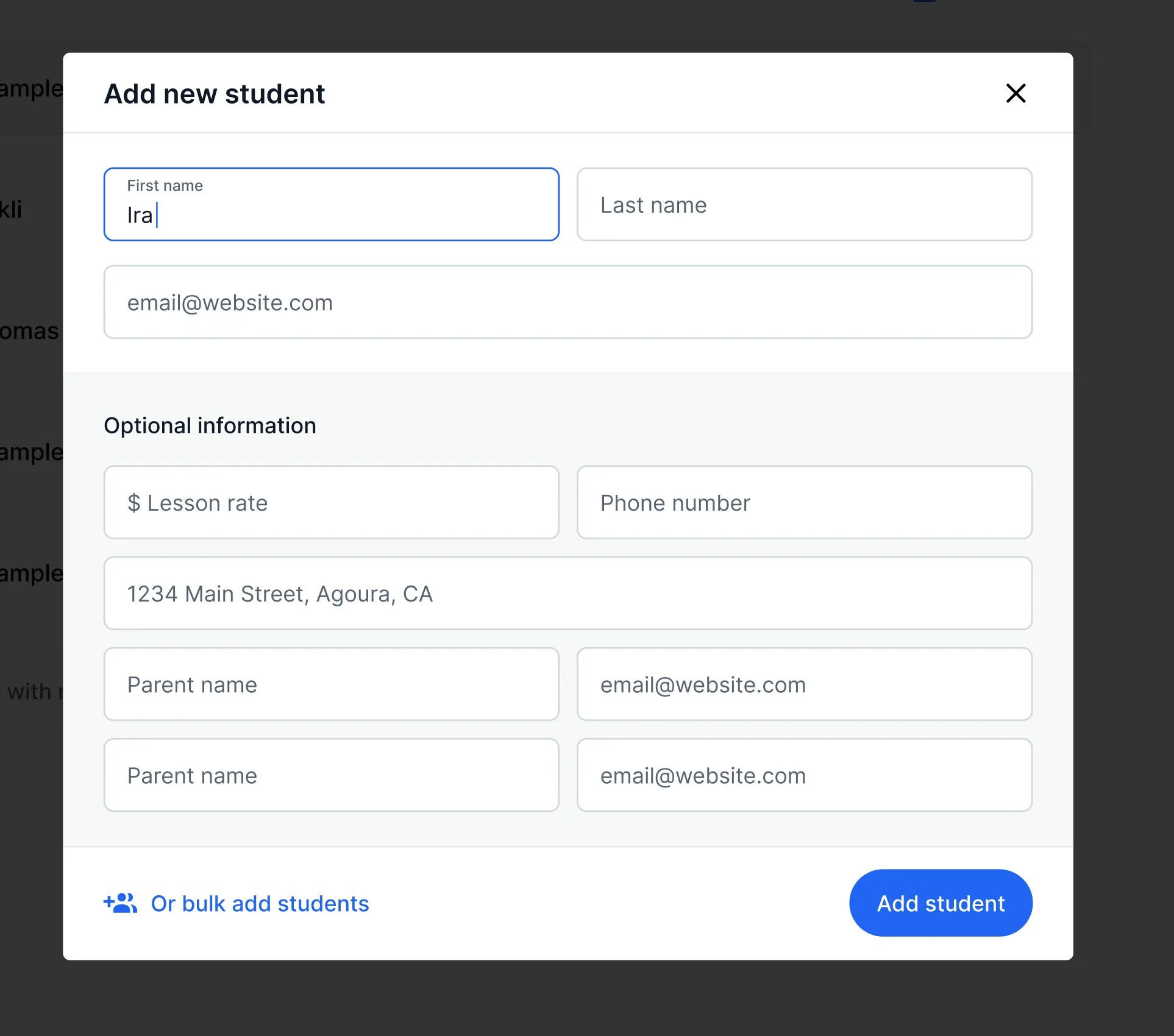
In the Students page of Adagio, add yourself as a student using the same or a different email address.
Download the mobile app
An email will be sent to that address with download links. Or download directly: iOS / Android
Join your class
Open the app, log in with the student email, and tap Accept when prompted to join your class. Any practice time you track will now appear in your Adagio account.
Explore
Try completing assignments, checking levels, and using other features in the Practice app to understand the student experience firsthand.