Practice mobile app
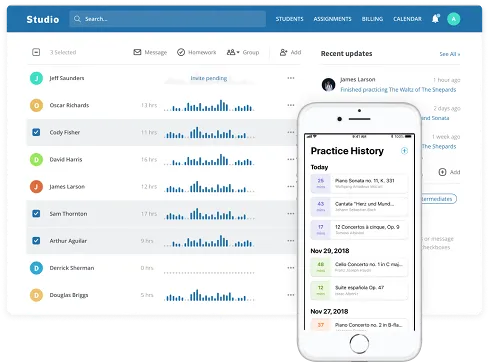
The Practice app is a simple way for students to track their practice sessions — like a fitness tracker. Students can log how long they practice, what they practice, take notes, and create personal to-do lists. When a student joins your class through the app, all of this data will appear in Adagio.
The app can be downloaded via the Apple or Google app stores (search for Musopen) or by visiting this link.
Note — Students must opt-in to sharing practice data
A student can join your class one of two ways:
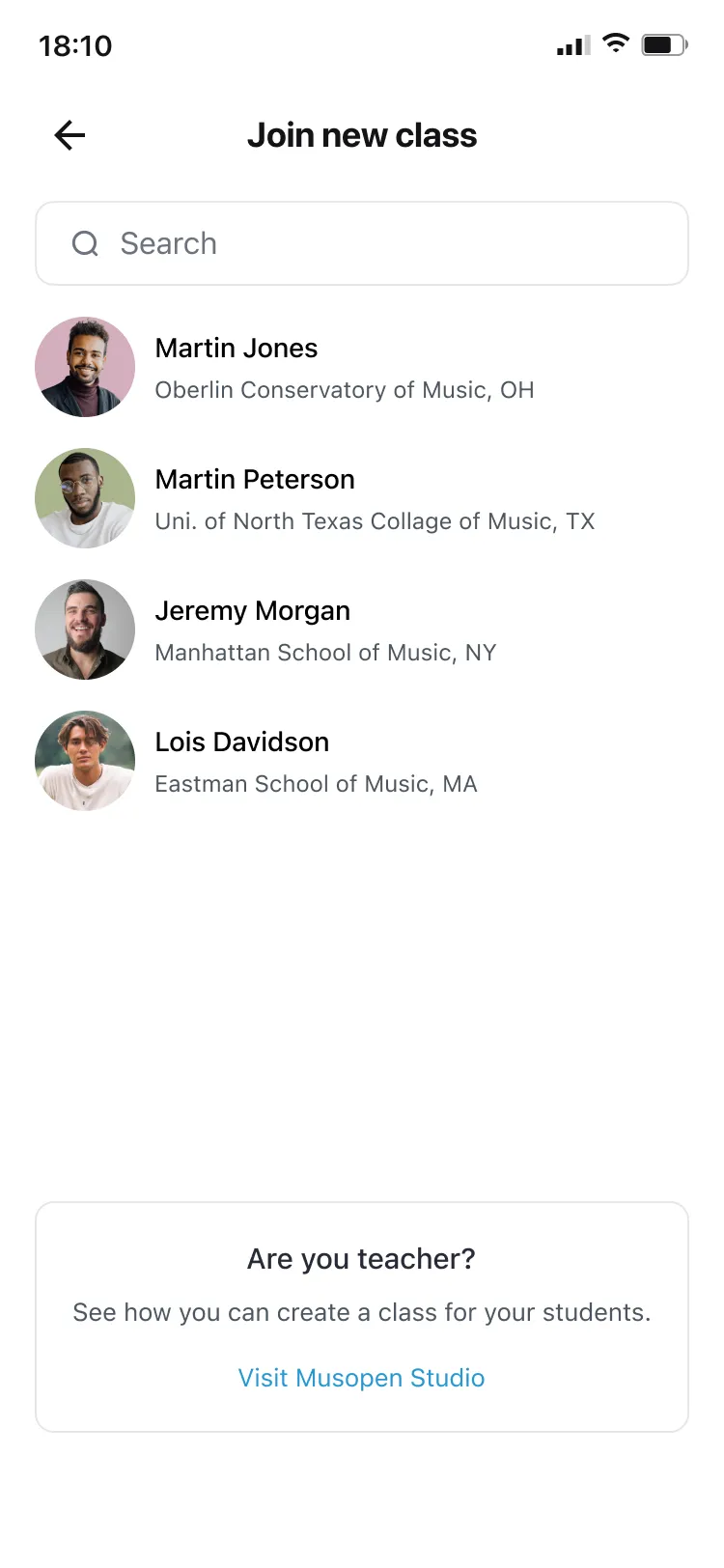
Search for your class within the Practice app: Profile page → Settings → "Join a class" → search for your name and request to join
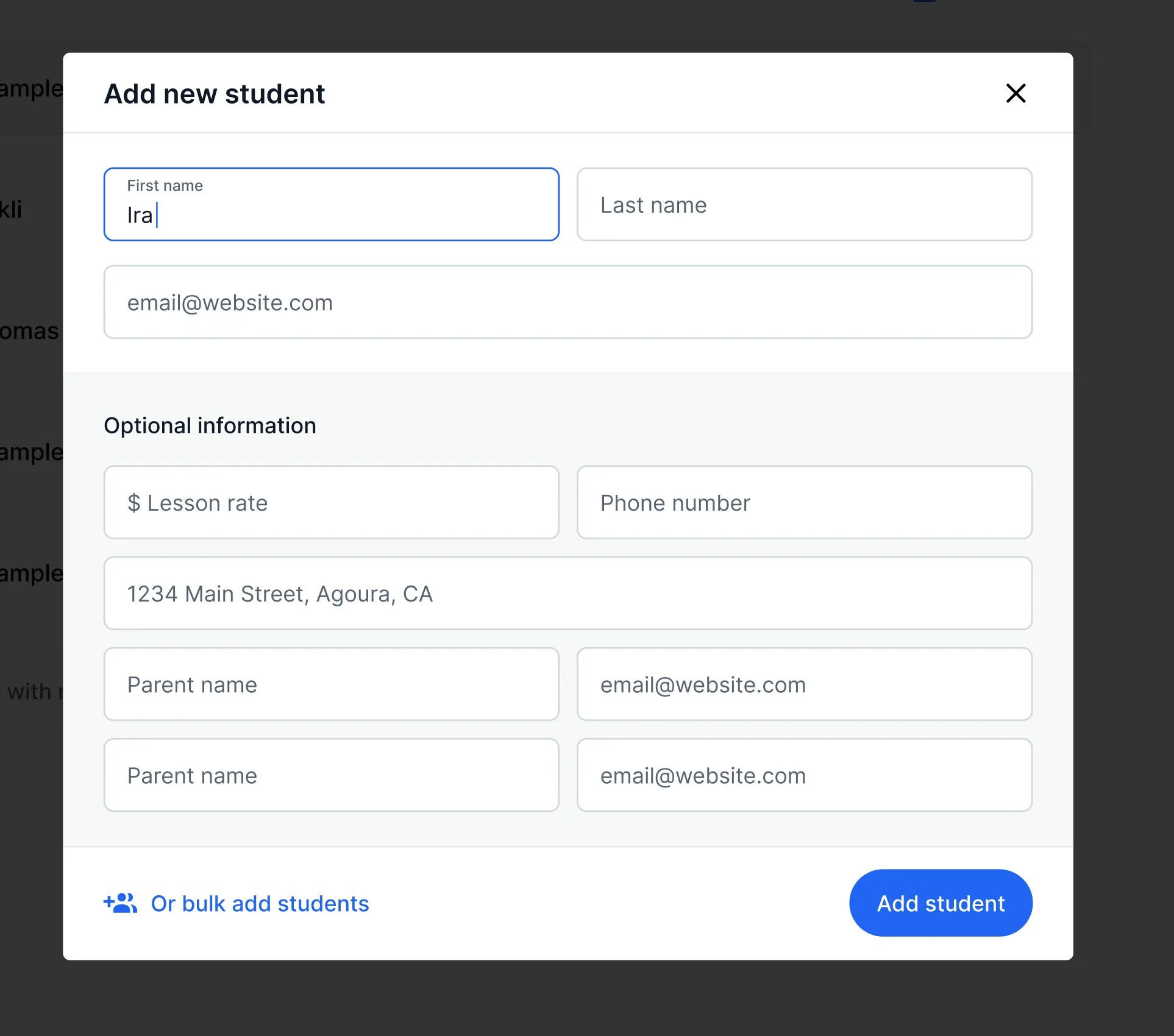
Add and invite students via Adagio. When a student is added and you include their email address, an invite is automatically sent to the Practice app. If the student doesn't see an invite, make sure the email address they signed up with matches the one you used.
Once a student joins, not all data is visible — some remains private. What is shared: all practice session data (length, number of sessions), teacher-assigned homework, goals, and notes.