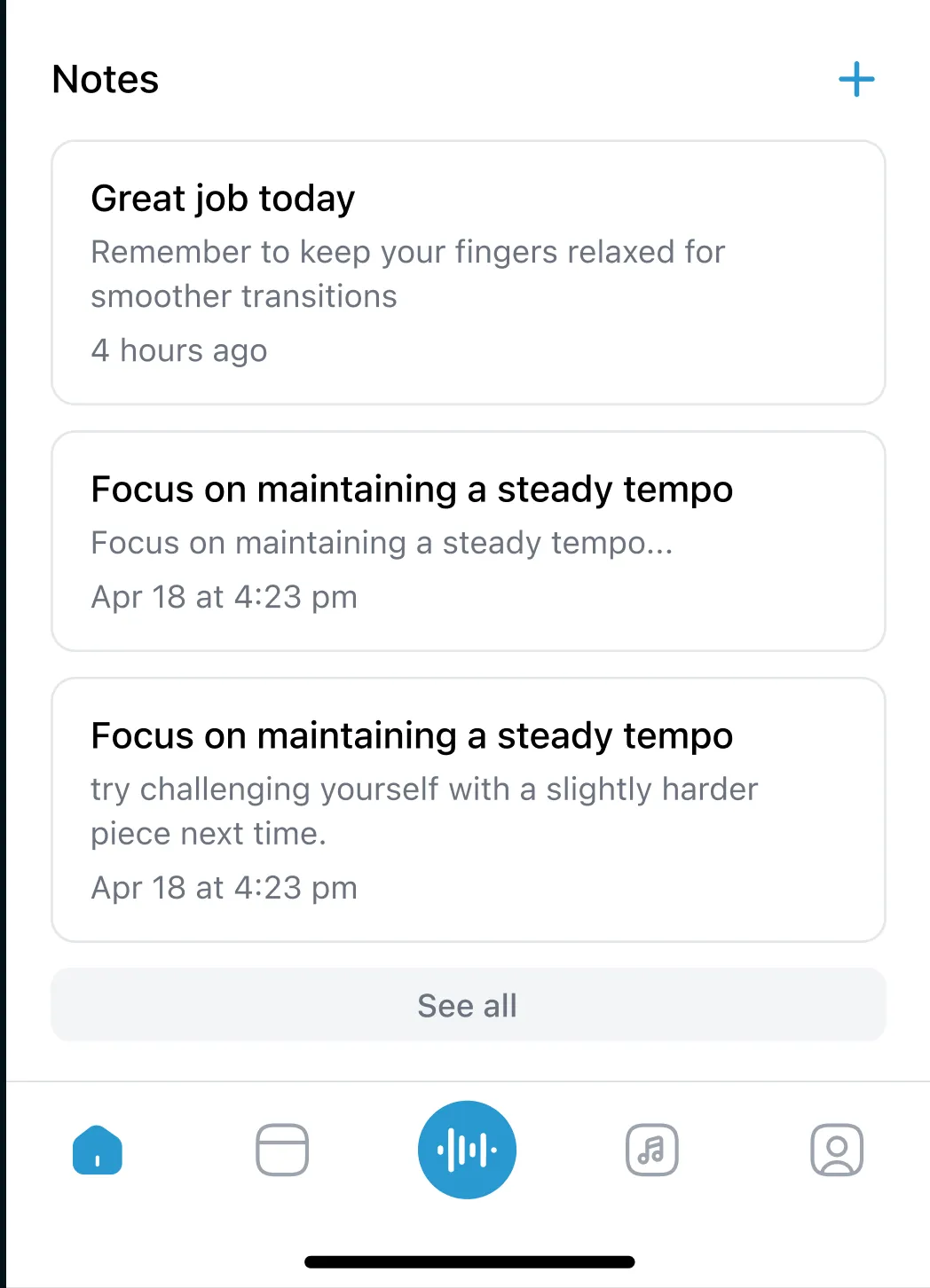
Notes
Notes allow teachers to leave quick feedback for students to review after lessons, helping them focus on specific areas for improvement.
Notes are a flexible way to track progress, set goals, or jot down important reminders. They can be as brief or detailed as needed and are organized by date for easy reference.
How to use notes
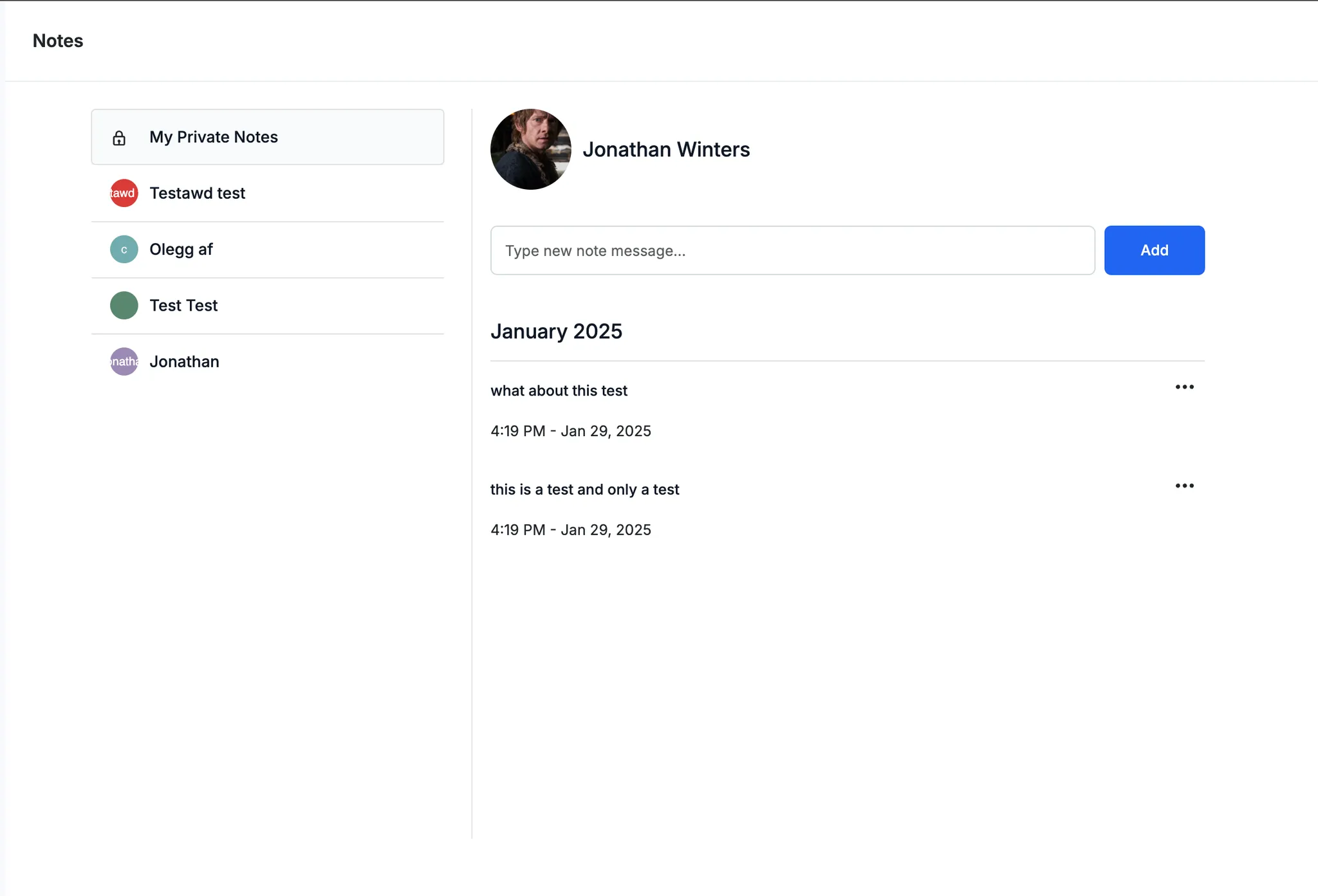
Teachers can write notes during lessons to highlight key focus areas, provide tips for specific pieces, or set goals for upcoming sessions. Unlike assignments, notes are free-form and unstructured. Notes can be created in both the web and mobile apps and are instantly accessible to students through the Practice app.
- Notes appear to students via the Practice app
- At the top of notes is a "private" section only visible to you (not shared)
Writing notes in Adagio
How notes appear to students