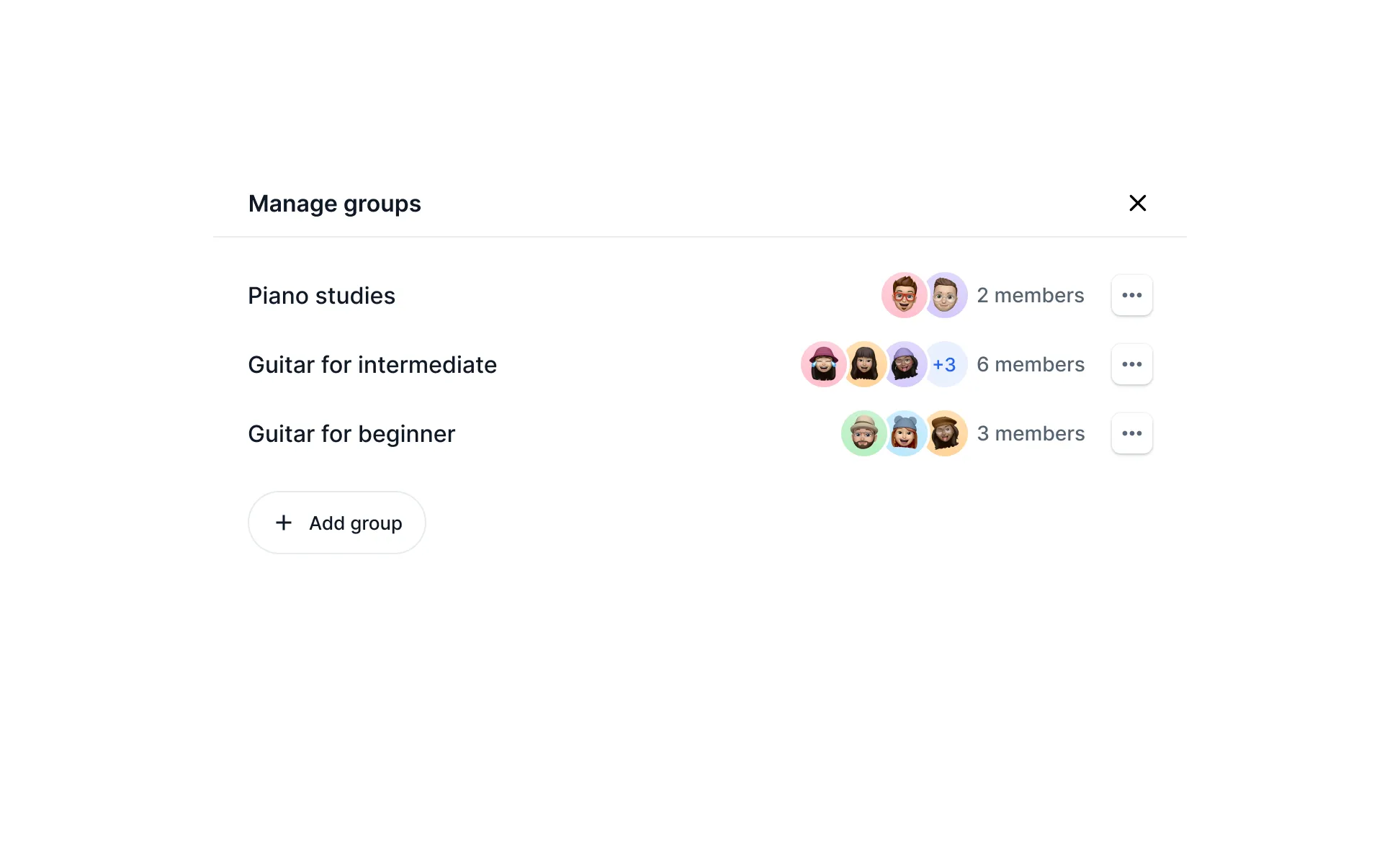
Groups
For classes with many students or generally to help keep things organized, you may assign students into groups. A group can be anything, for example "strings" and "winds" or "beginners" and "advanced". A student may be in more than one group.
Once you've created a group, you can then filter the list of students by the group and switch between them. This will also allow creating notes or homework assignments for an entire group at a time.
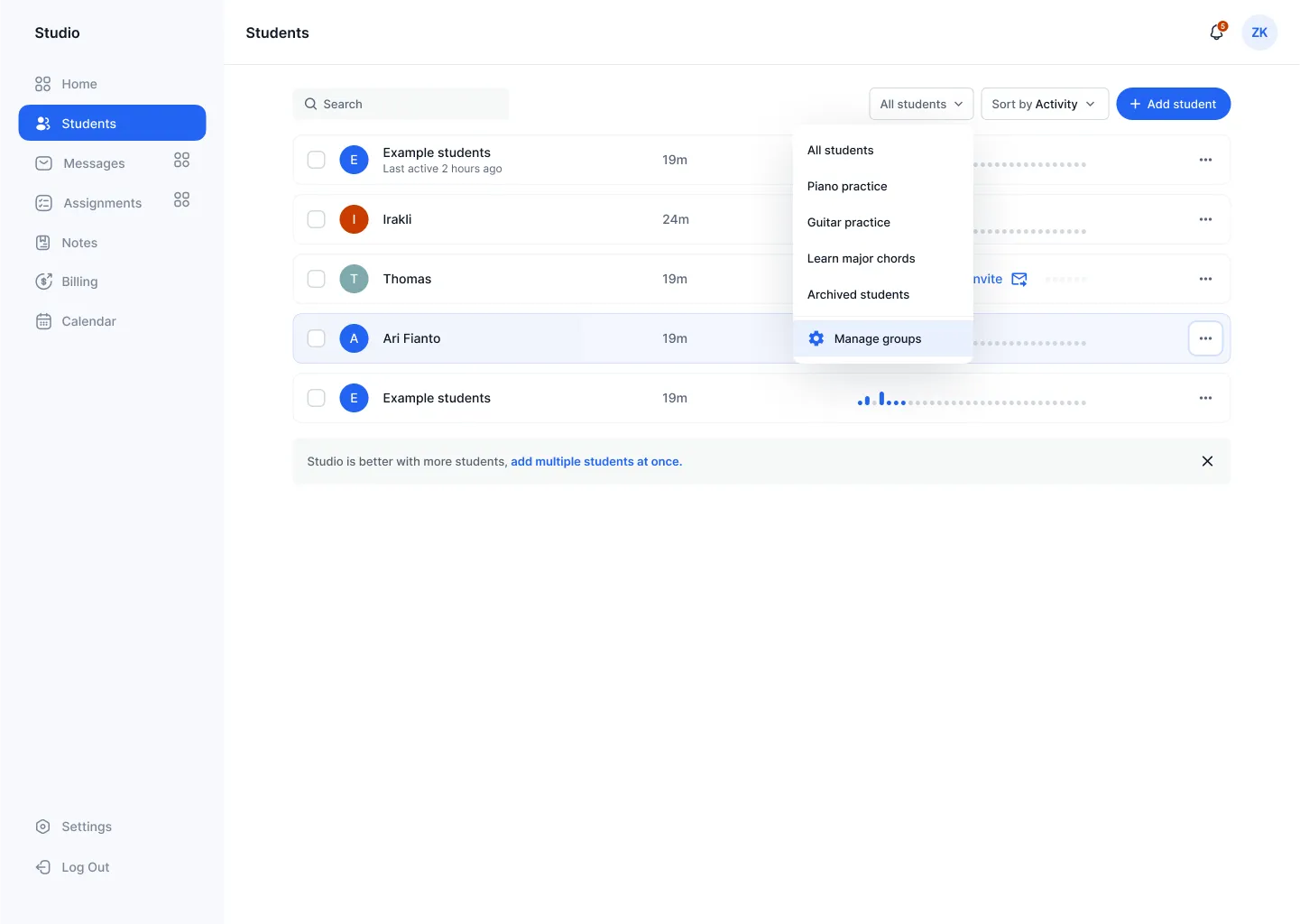
Managing groups
Clicking "Manage groups" opens a dialog box where you can edit, rename, delete, or otherwise modify the groups and students within them.