Billing
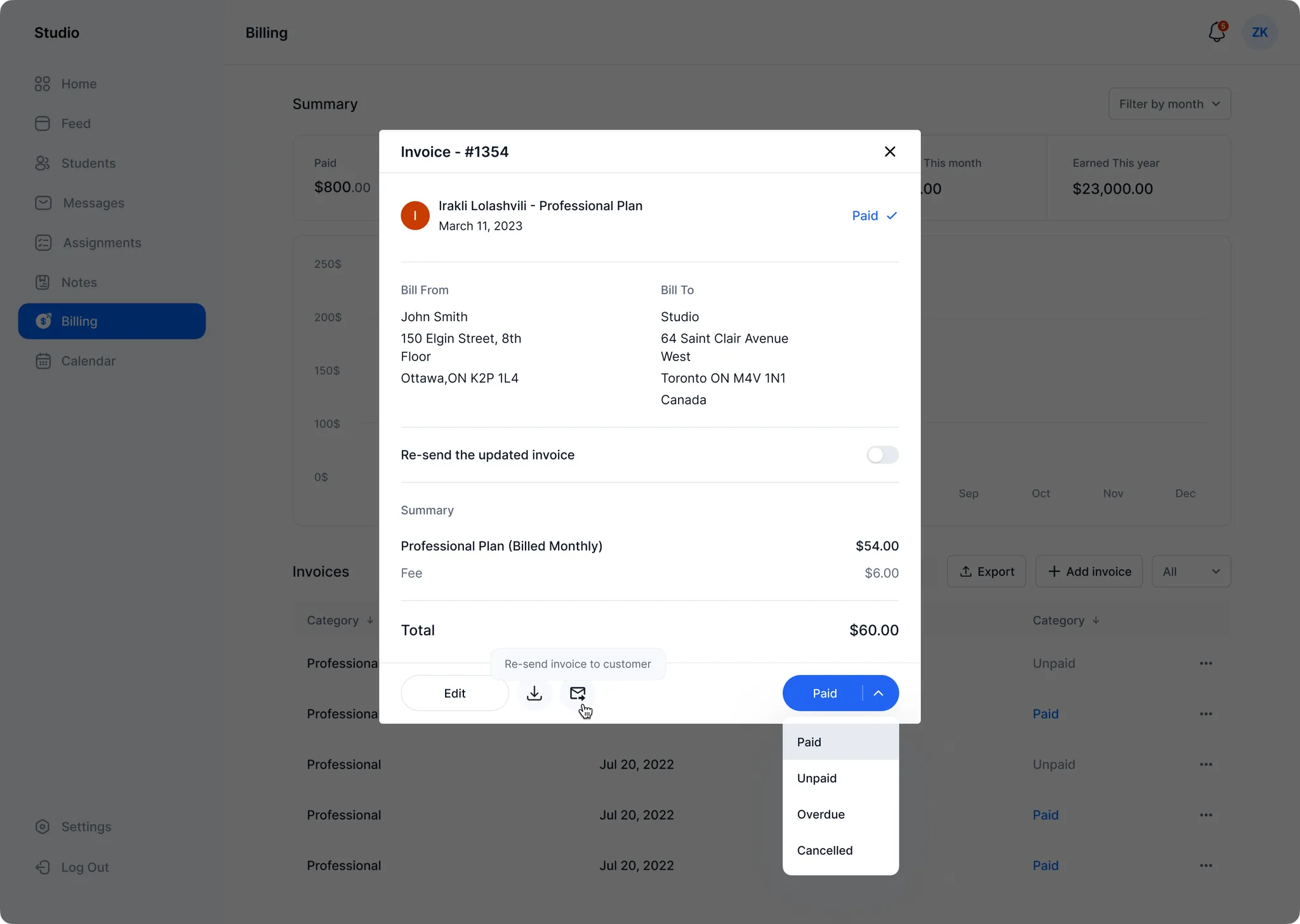
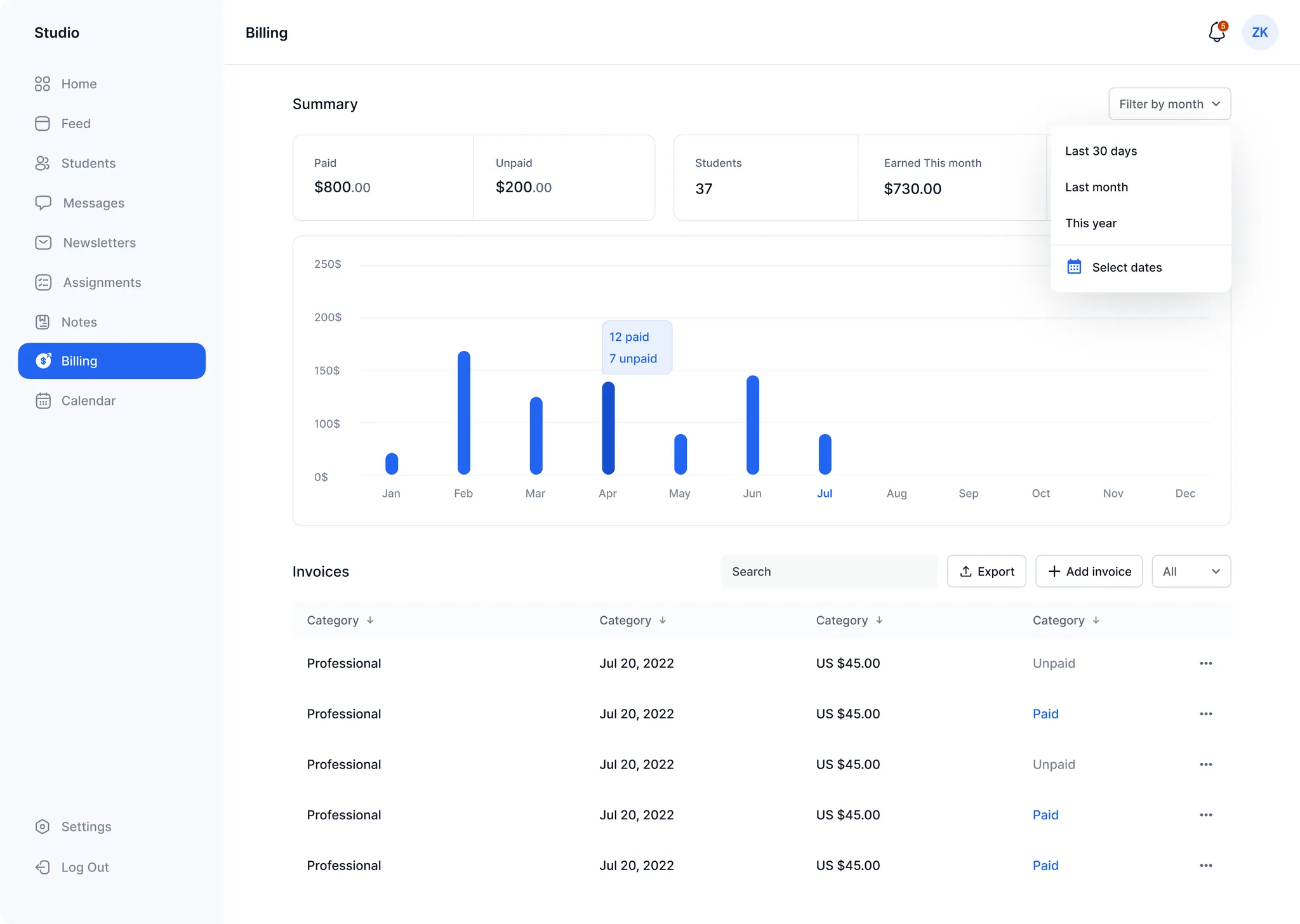
The Billing page provides an overview of your lesson revenue. At the top, you'll see a summary of your revenue including the amount paid versus outstanding. Below this, a list of recent invoices and their statuses is displayed.
Adagio simplifies invoice tracking. You can manually create an invoice by tapping "Add Invoice" or automatically generate one after a lesson (if the lessons are listed in Adagio's calendar).
How invoices work
Invoices can be fully manual (teacher creates and marks as paid) or automatic (Adagio generates an invoice after a completed lesson and provides the student with digital payment options like PayPal). You can edit or delete an invoice at any time, or mark an auto-generated invoice as paid if the student pays by cash or check.
Automation provides email reminders to students and parents for overdue invoices, as well as an unpaid status indicator in your dashboard.